LCD Screens
Game Plan!
- How to control and LCD Screen with an Arduino
- Some fun challenges.
- Control the LCD screen from a website.
What is an LCD Screen.
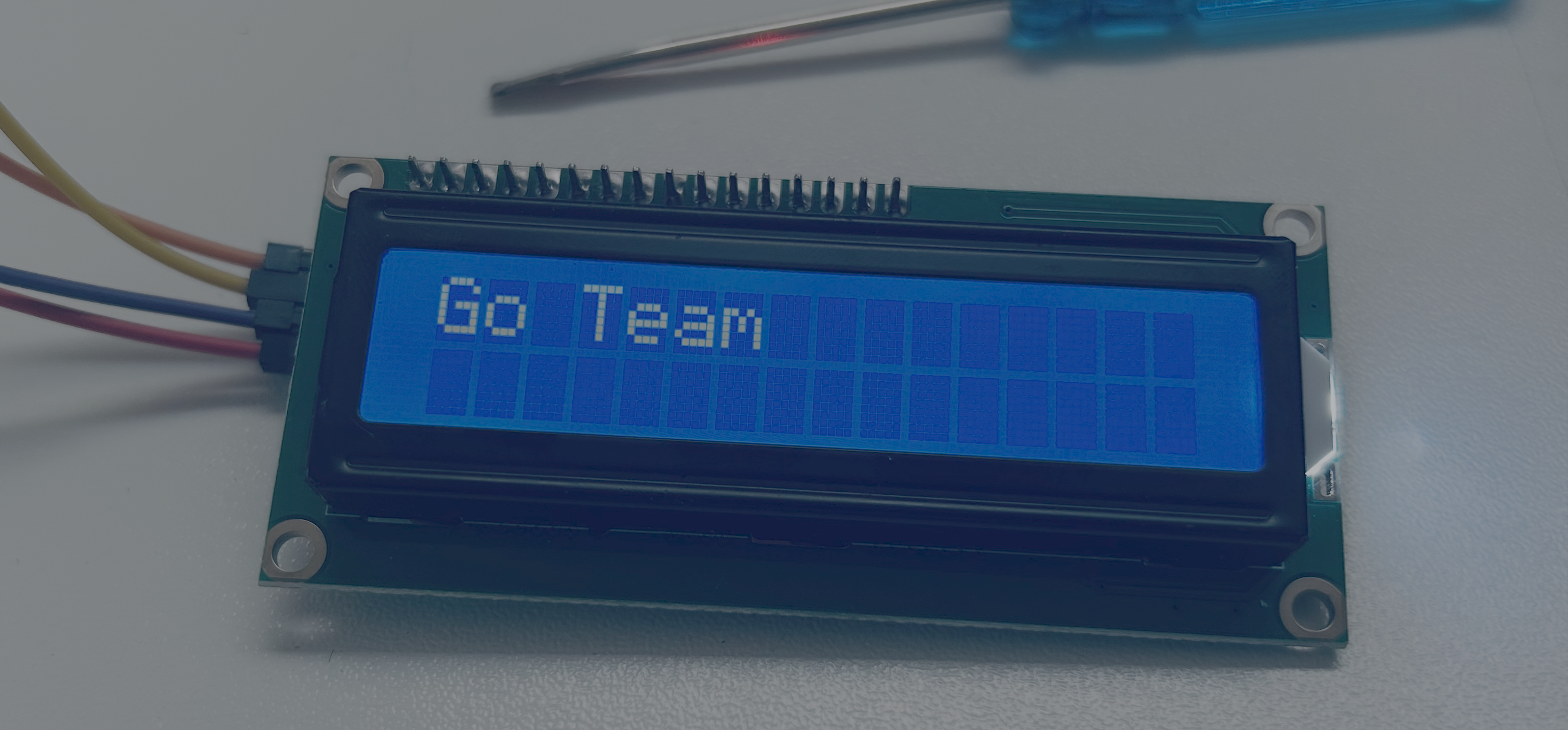
An LCD screen is a small display that can show words, numbers, and simple messages from an Arduino.
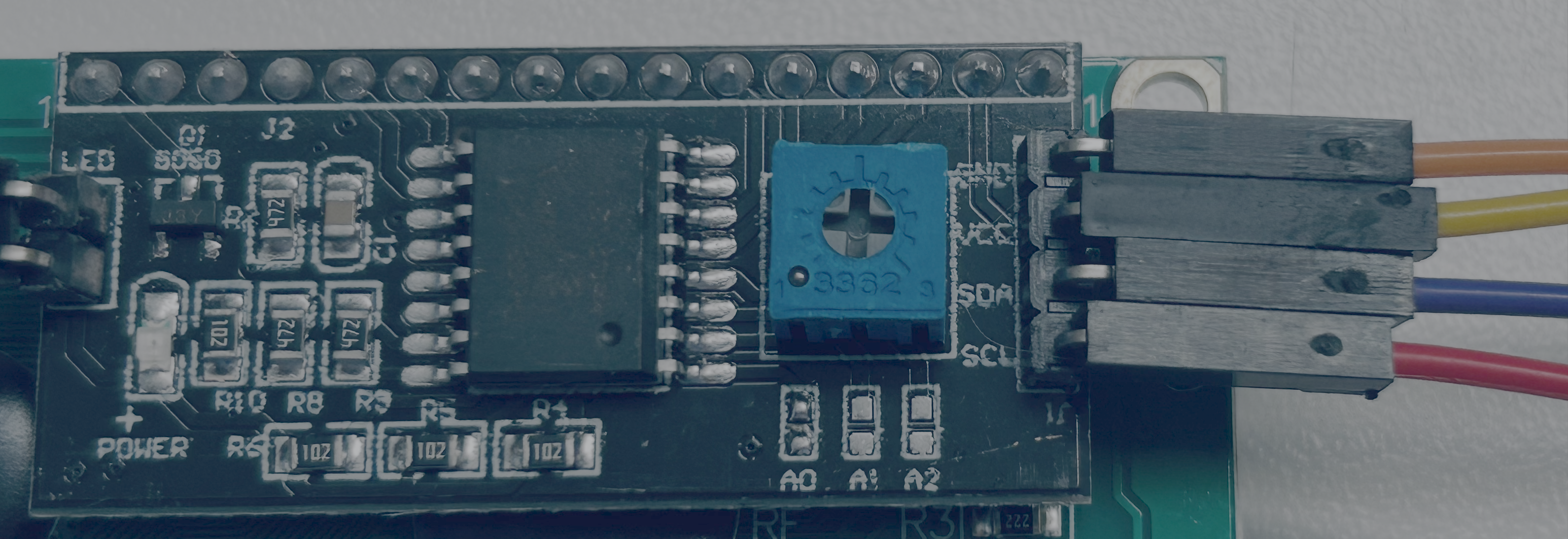
Our LCD screen has 4 pins on the back of it. A pin is a piece of metal connect to electric device.
Wiring
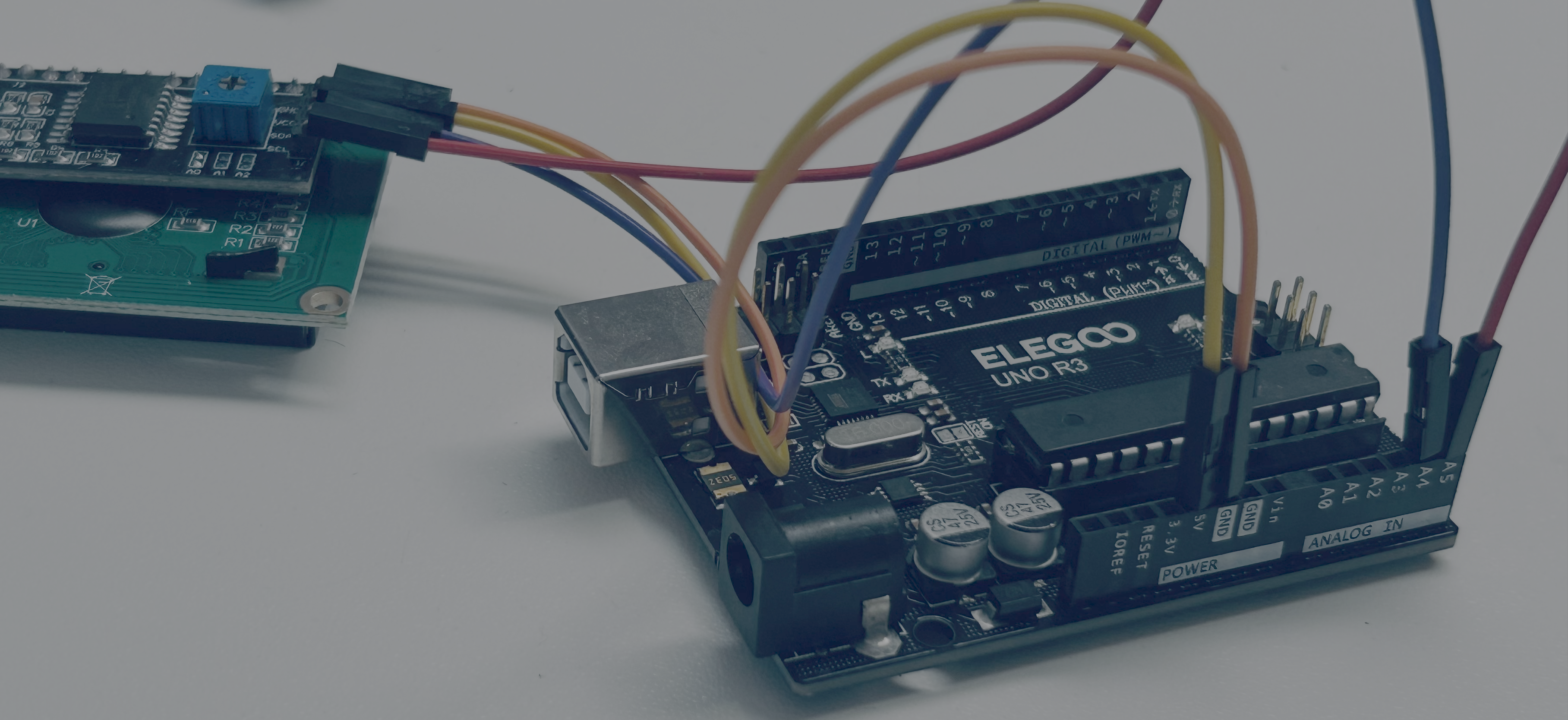
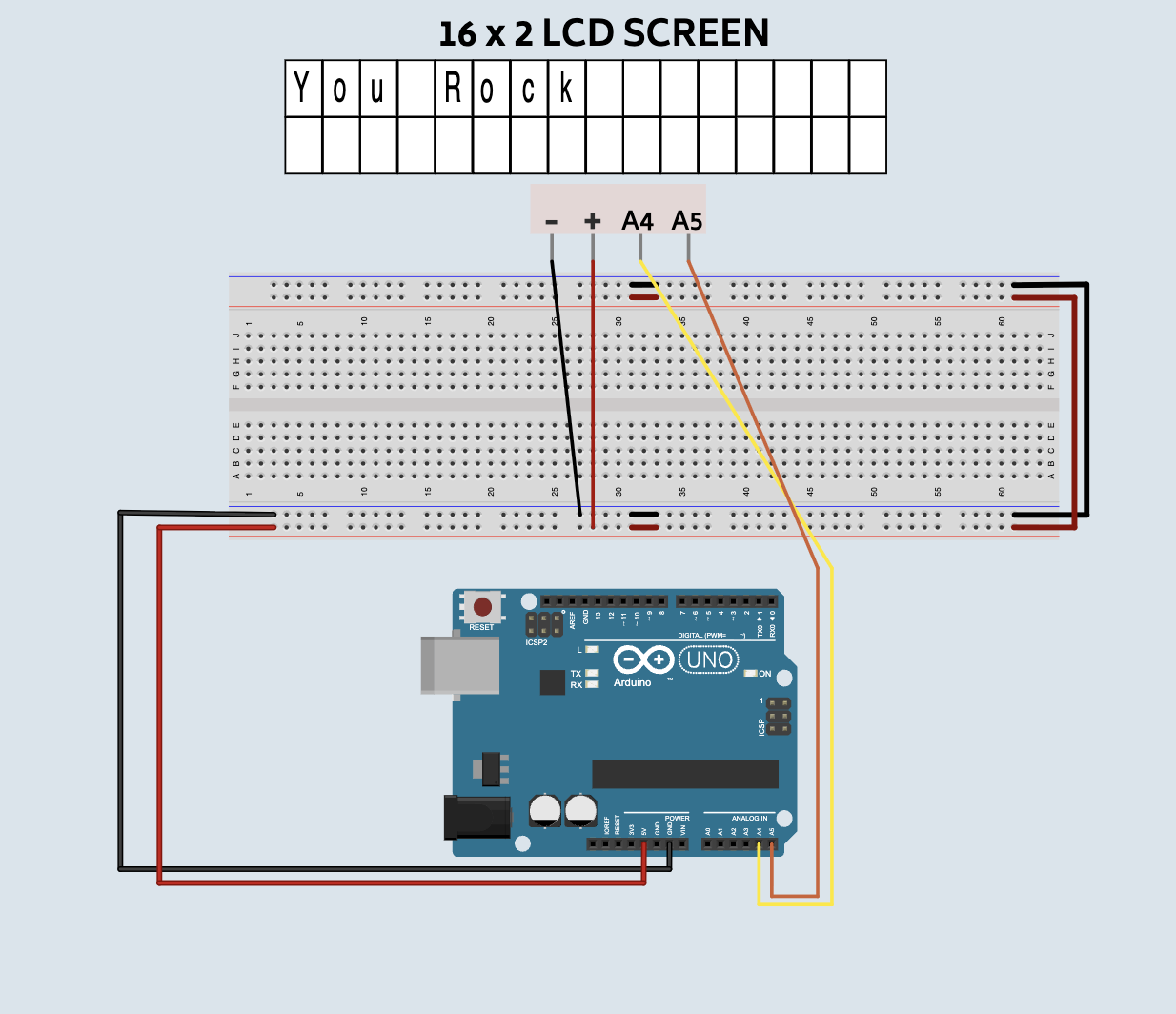
Connect 4 jumper wires from the Arduino to the lcd screen.
| Arduino Pin | LCD Screen |
|---|---|
| A5 | SCL |
| A4 | SDA |
| GND | GND |
| 5v | VCC |
Print Something Code
Challenges
In this challenge you will make the "Hi" on the screen go back and forth. Close your current electroblocks window. Then open a new tab, with this link.
-
Can you make the word hi on the lcd screen go the end of the screen?
-
Can you make your name go to the end of the screen?
Final Project
Website for the code
To control it from the website be sure to close the electroblocks website. After that go LCD Website and click on the connect button. Then type a message and click send.